
Yes, for a small set of records that a few people keep up to date, such as a client list, an inventory or a project tracker. Google Sheets works as a database when each tab holds one kind of record, each row is one record and each column is one field. It works less well once records need to link to each other, every column needs strict rules, or several apps write to it at once.
How do you set up Google Sheets like a database?
Give the data one shape and keep it that way.
- Put one kind of record on each tab. For example, clients go on a Clients tab and invoices on an Invoices tab.
- Use the first row for column names only. Keep merged cells, totals and notes out of the data.
- Add an ID column so every record has a value no other row shares, such as
C-014for a client. - Select the data and click Format > Convert to table, then set a column type for each column, such as Date or Dropdown (Google’s guide to tables). The table flags any entry that doesn’t match its column type.
- For a column with a fixed list of values, such as an invoice’s status, use a dropdown. Under Advanced options, set If the data is invalid to reject the input (dropdown settings).
To pull records out, use the QUERY function, which runs a query in a language close to SQL. For example, with client IDs in column B, statuses in column D and amounts in column E of the Invoices tab, =QUERY(Invoices!A:E, "select B, sum(E) where D = 'Unpaid' group by B") lists what each client still owes.
Where does Google Sheets fall short as a database?
A spreadsheet stores rows well, and it leaves the database rules to you.
- Size. As of October 2026, one spreadsheet holds up to 20 million cells or 100 MB (Google Drive file limits).
- Links between records. Sheets doesn’t enforce relationships. An XLOOKUP can join an invoice to its client by ID, but nothing stops someone deleting a client that ten invoices still point to.
- Rules on data. Column types and dropdowns catch most mistakes, but anyone with edit access can still paste over a column or sort one column out of line with the rest.
- Apps reading and writing. The Sheets API allows 300 read and 300 write requests a minute per project, and 60 a minute for each user (Sheets API limits). That covers a form or a small internal tool. An app with real traffic needs a database built for it.
When should you move to a real database?
Move when the sheet’s workarounds start costing you time. The usual signs are records that link one to many, like one client with many invoices, totals you rebuild with formulas every month, a team that keeps overwriting each other, or an app that hits the API limits. A relational database such as PostgreSQL enforces the links, types and rules for you, and you or a developer build the screens on top of it.
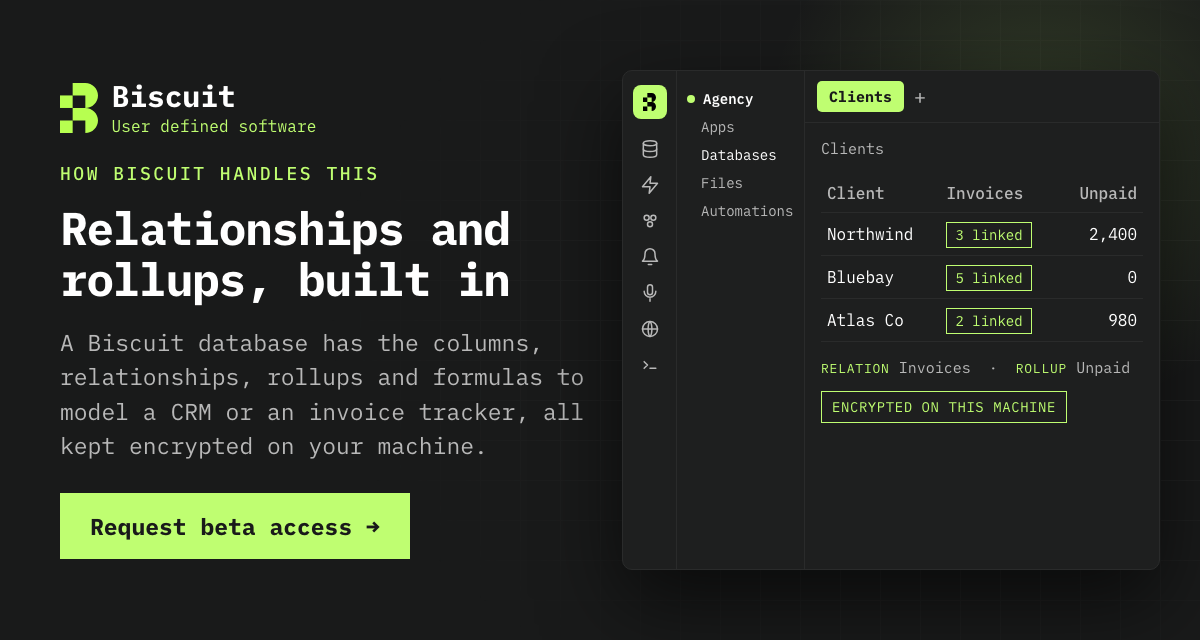
In a sheet, the links between records live in formulas you write and keep up yourself.
Request beta access to Biscuit
References
- Use tables in Google Sheets, Google Docs Editors Help
- Create an in-cell dropdown list, Google Docs Editors Help
- QUERY function, Google Docs Editors Help
- Files you can store in Google Drive, Google Drive Help
- Usage limits, Google Sheets API, Google for Developers
All links checked and active as of 27 October 2026.