
Click File > Version history > See version history to see who changed the spreadsheet and when, or right-click a cell and choose Show edit history to see who last changed that cell and what it said before. You need edit access for both. If someone edited through a shared link without being invited by name, Sheets shows them as anonymous and can’t tell you who they were.
How do you see who changed the whole sheet?
Version history lists every saved version of the file with the people who edited it.
- Open the spreadsheet and click File > Version history > See version history.
- The panel on the right lists versions by date and time, with the names of the editors under each one.
- Click a version to see the spreadsheet as it was then, with that version’s changes and who made them.
- To find a version again later, click More > Name this version. A spreadsheet can hold up to 15 named versions (Google’s version history guide).
Restoring an earlier version clears the cell-by-cell edit history for every change made before the restore. To keep that history, make a copy of the earlier version from the same menu.
How do you see who changed one cell?
Right-click the cell and choose Show edit history. A box shows who made the last direct edit, when they made it, and the cell’s previous and current value. The arrows in its top corner step back through earlier edits (Google’s announcement of the feature).
For example, if a shared stock tracker suddenly shows 4 units where there were 40, the cell’s edit history names the person who typed 4, the time, and the 40 it replaced.
Cell history records changes to values, formulas and links. It doesn’t show rows or columns that were added or deleted, or changes to a cell’s formatting, so for those you’re back in version history.
Why does an editor show as anonymous?
Sheets only shows names for people you shared the file with individually, or through a mailing list. Anyone who opened it through a link you didn’t send them by name appears as an “anonymous animal” (anonymous people in a file). If you need to know who edits, set general access to Restricted and share the sheet with each person by email.
Can you get told when someone edits?
Yes. Click Tools > Notification settings > Edit notifications, choose Any changes are made, then pick Email - daily digest or Email - right away (notification settings). Editors see the names of the people who made the changes, and viewers get the notifications without the names. To be told only when a particular range changes, you’d need an Apps Script.
In Sheets, the history belongs to the whole file, so finding who changed one record means checking cells one at a time or scrolling through versions.
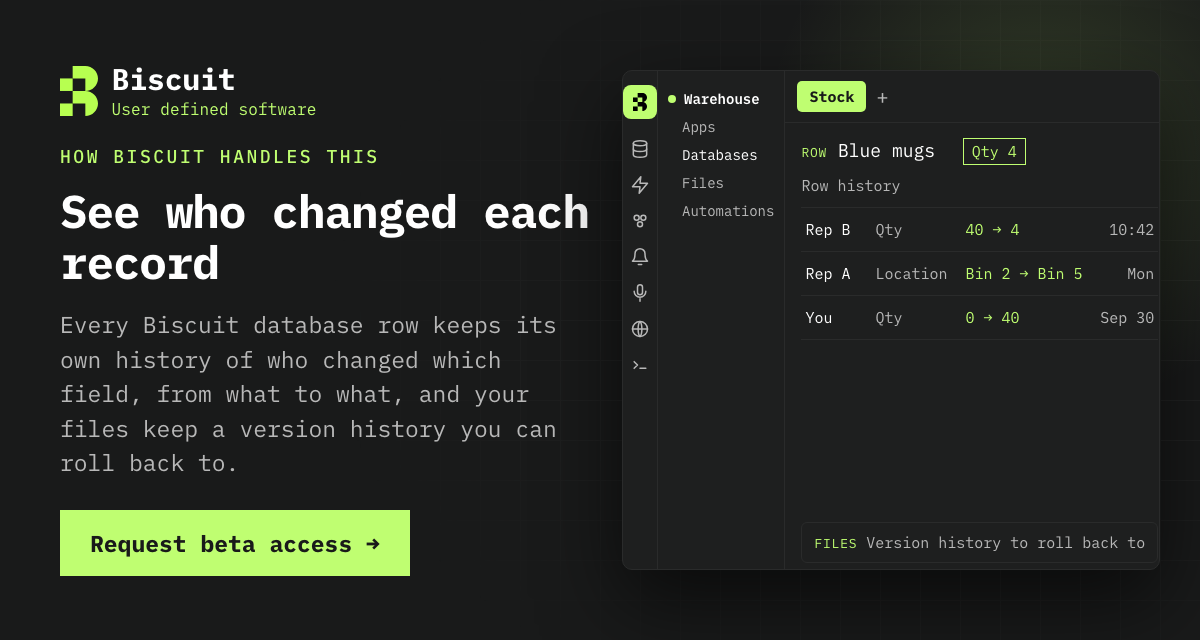
Request beta access to Biscuit
References
- Find what’s changed in a file, Google Docs Editors Help
- View the edit history of a cell in Sheets, Google Workspace Updates
- Anonymous or unknown people in a file, Google Docs Editors Help
- Manage your notifications, Google Docs Editors Help
All links checked and active as of 27 October 2026.